 playsheet
Loading is taking longer than expected.
playsheet
Loading is taking longer than expected.
Welcome to playsheet: a rhythm game with beat maps from the 1700s. Get real-time timing and note feedback overlaid on real sheet music.
Bring your own MusicXML, MIDI, ABC, or MuseScore files and turn them into interactive practice scores. Check the preview after import, especially for inferred MIDI notation.
Here is a list of features playsheet currently supports:
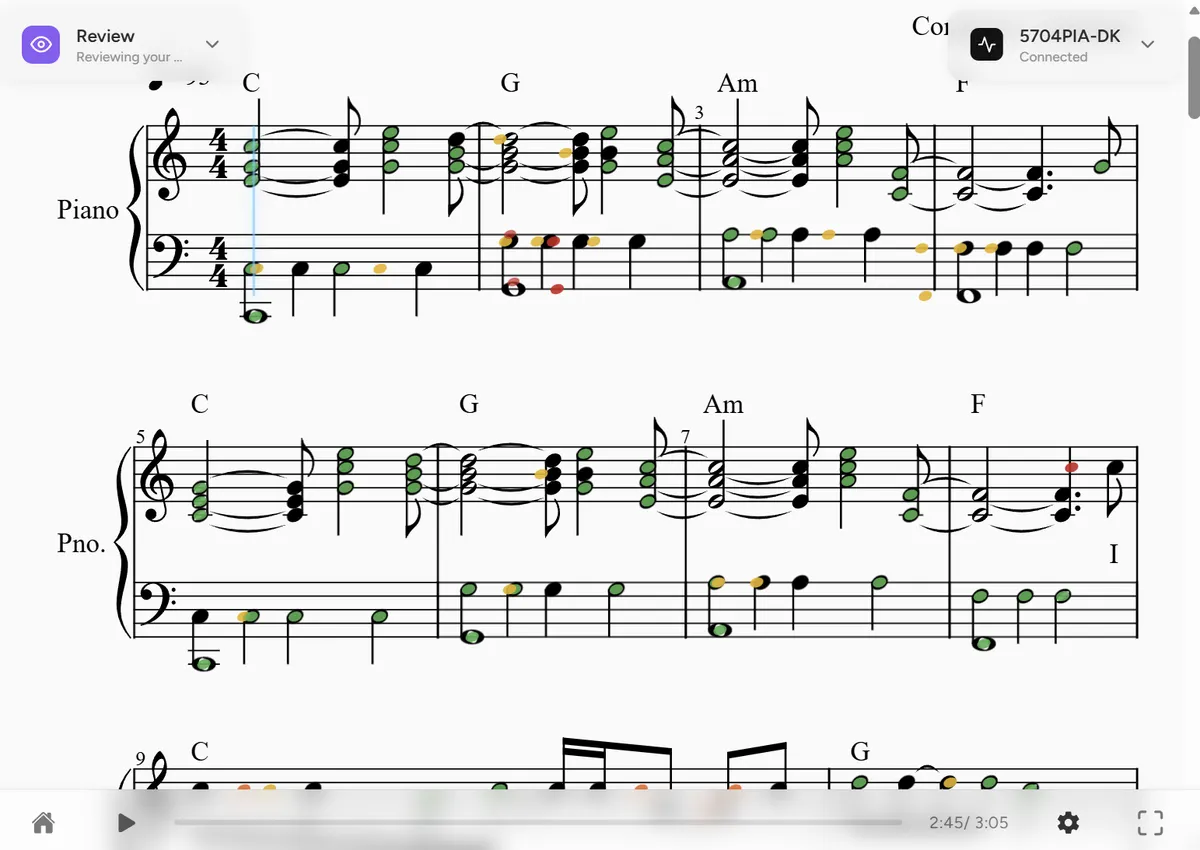
Review a completed practice session on the sheet music to see missed notes and timing feedback. Saving or submitting results depends on your session settings.
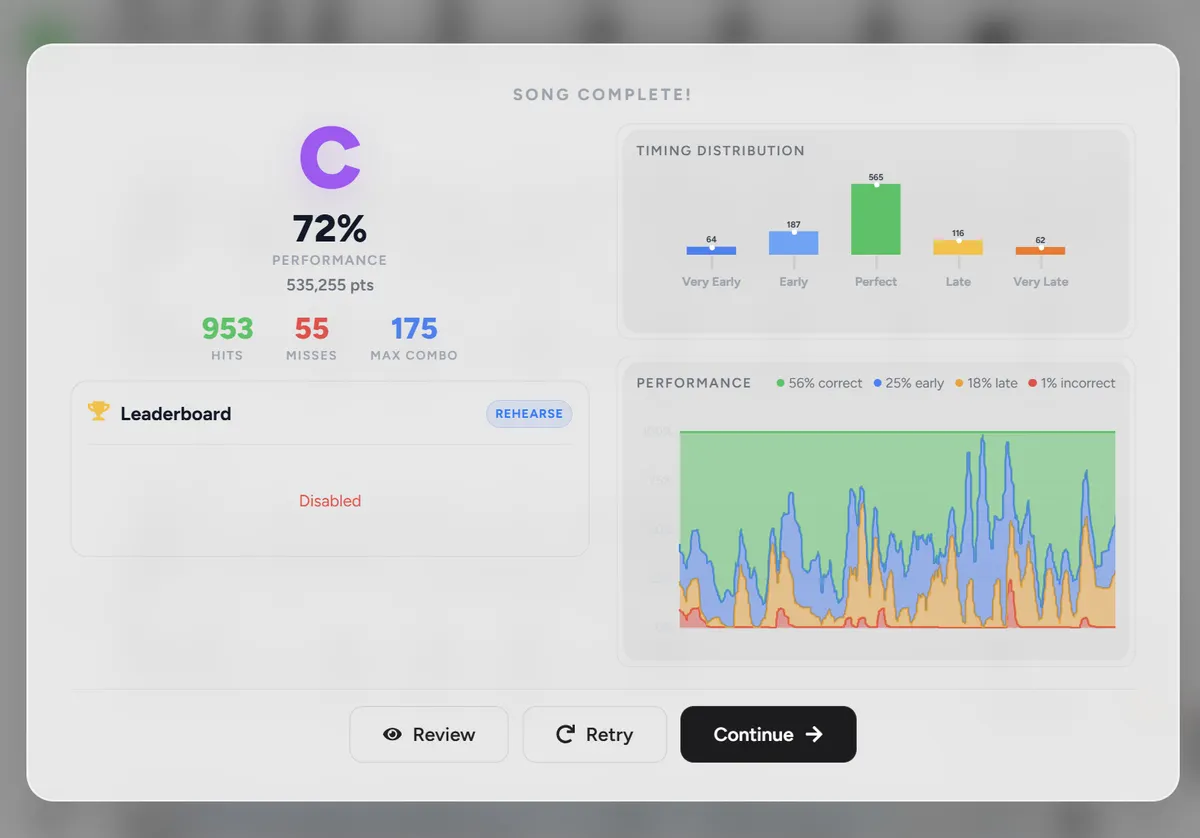
End a session with a beautifully detailed summary of your timing and accuracy. Scoring and gamification keep you motivated day after day to improve your skills.
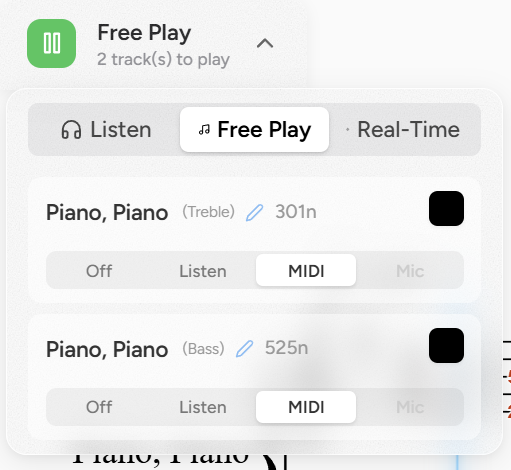
Isolate the right hand or left hand individually, or play both. Practice hands separately and bring them together once you've honed your muscle memory!
Try an experimental simplified arrangement when a piece feels too difficult. Results vary: review the notes and musical choices before practicing the arrangement.
Open MusicXML (.musicxml, .xml, .mxl), ABC (.abc), MIDI (.midi, .mid), and MuseScore (.mscz, .mscx). Audio transcription and Alpha PDF recognition are experimental and can miss notes, rhythms, and voices. PDF recognition currently requires printed grand-staff piano notation.
Added songs are kept on your local machine unless you click upload or sync. Synced songs are hashed and sent to the server, eligible for global scoring, and can be synced between multiple devices.
Looking for sheet music? Visit our guide to finding sheet music for sources and license guidance.
We believe the best practice routine is the one you actually stick with—whatever gets you to sit down at the keyboard and play is a win. Playsheet is designed to support your growth from a beginner relying on learning aids, to an independent sight-reader: